Brand Account
Learn how to brand your Learn Builder environment.
Note: Custom branding is included with all paid plans.
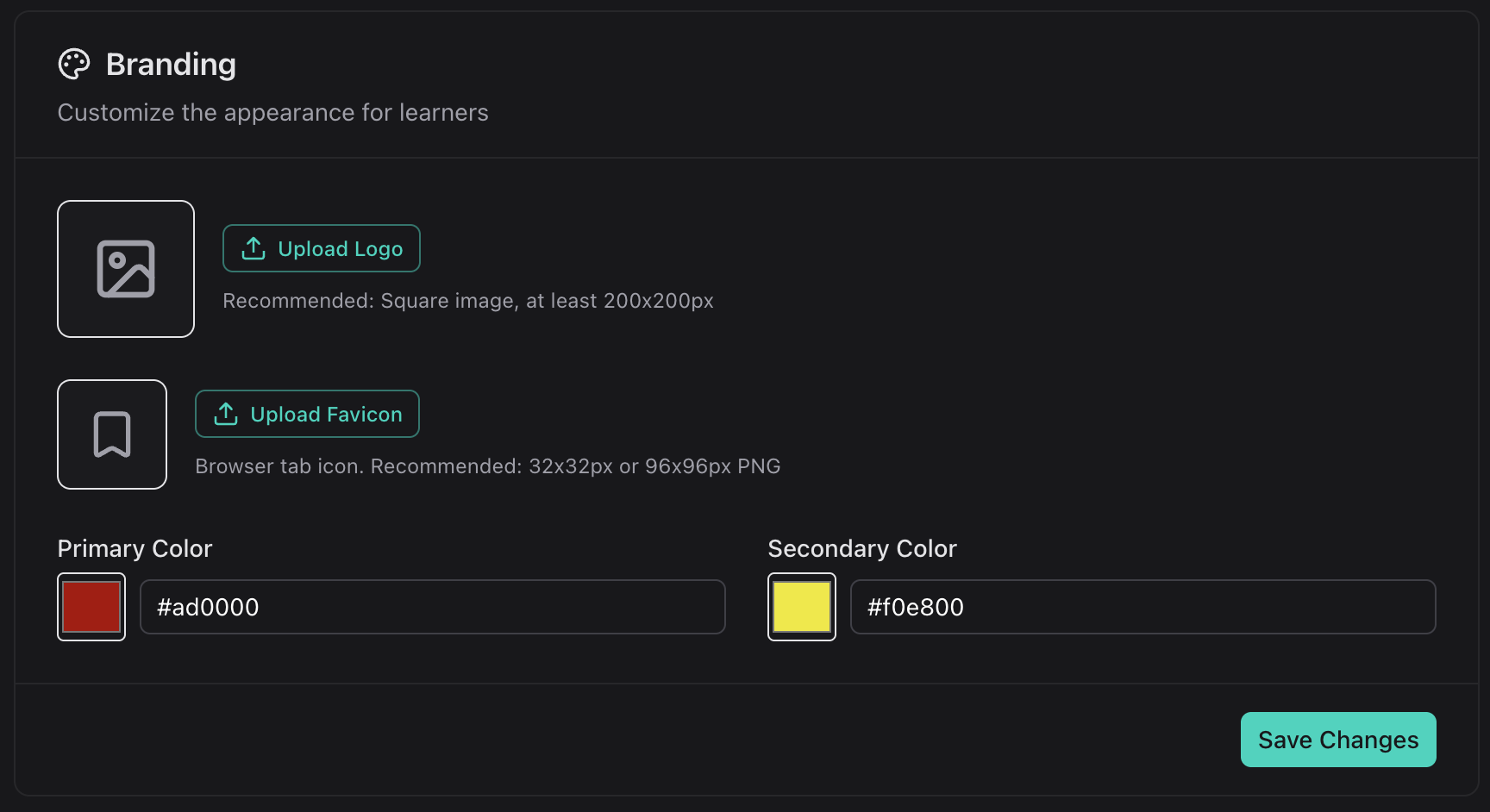
Uploading your logo and favicon
Branding your Learn Builder enviroment allows you to set a custom logo for the top bar and the login and registration page.
- Open your user menu and select "Account"
- Upload an image file, note that square or landscape formats work best
Choosing your primary and secondary color