Building an AI coding block into LearnBuilder: what works, what breaks, what's still open
After seeing a wave of Claude Design demos being used for e-learning, I started integrating an AI coding block into LearnBuilder. The idea is simple. You describe the interaction you want, the AI drafts the code, and the result drops into the interactive slide alongside the elements you built by hand.
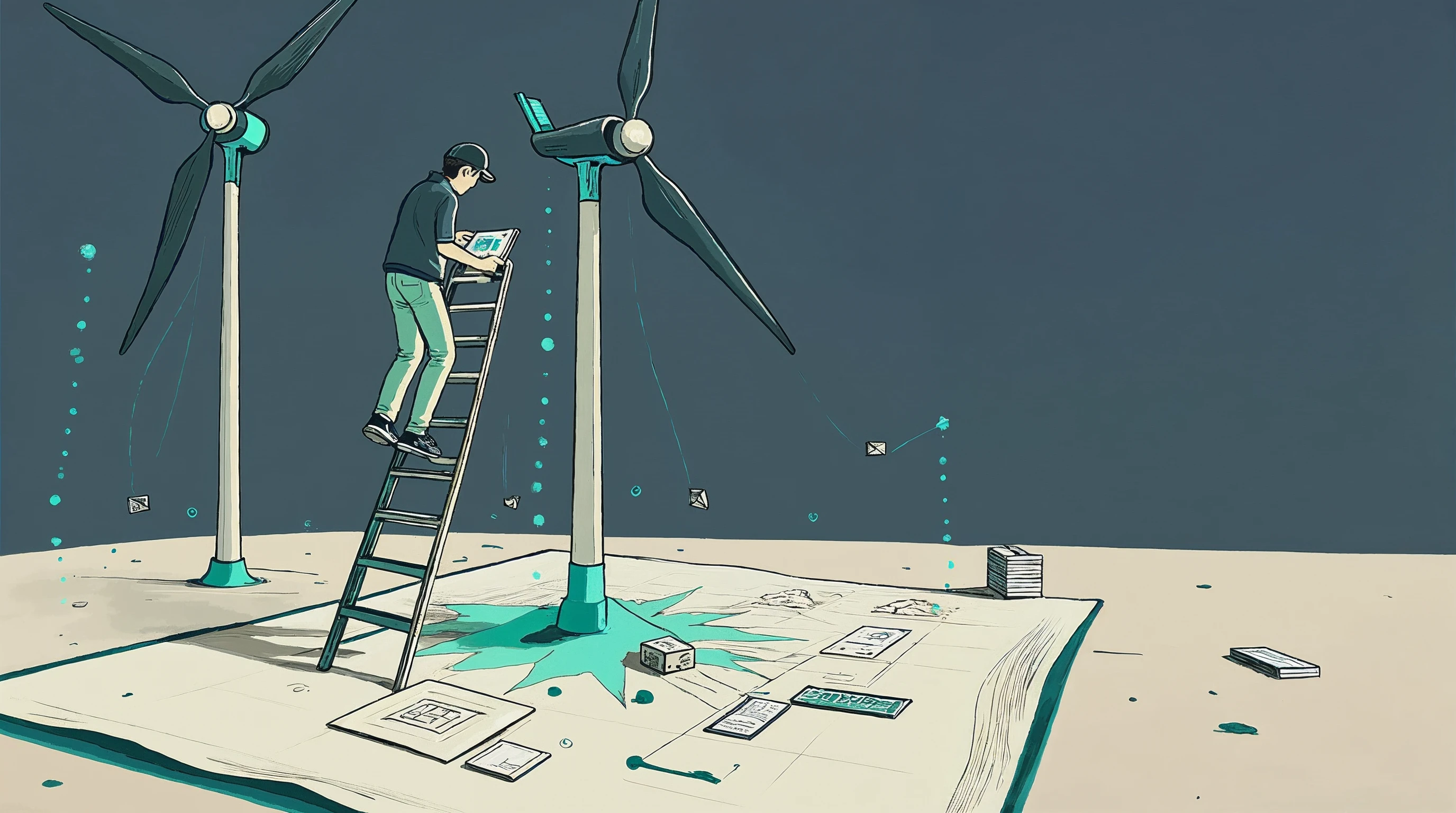
The example I keep using: "Create a simulation of a windmill to explain the correlation between wind speed and power output. Place a slider at the bottom of the page to let the learner explore the concept." Thirty seconds later, something shows up on screen.
And that is where the problems start.
The iteration problem
The first output might look right, or it might not. The rotor rotates around the wrong origin. The animation is too slow, or spinning so fast it looks absurd. The blades are floating in the air, not attached to the tip of the pole. The slider works, but it controls the wrong variable.
So you nudge. "Move the rotation pivot to the top of the pole." Sometimes you get a small correction. Often you get something entirely new. Different colors, different layout, sometimes a different kind of visualisation, because the AI rewrote the interaction from scratch instead of editing in place.
This is expensive. Complex interactions take real time to generate, and each nudge consumes tokens. For meaningful corrections you usually need to feed the original code back into the prompt so the AI can edit rather than reinvent. That means every iteration is a large call.
If the first draft is close, you are fine. If it is off in ways that need three or four rounds of nudging, you burn through significant tokens before you have something usable. And "usable" is the low bar. For a production course, you often need several more rounds after that.
What already works
A few things make this more practical than pure describe, generate, ship:
AI-generated interactions live inside the slide's element tree. The AI does not produce one opaque blob of code. It creates elements (shapes, animations, bindings) in the same structure you edit by hand. After generation you can select an element and change its color, reposition it, or resize it with the same controls you use for anything else. You are not locked out of manual edits.
Element-level AI tweaks. You can select a single element and ask the AI to modify just that. "Make this rotor spin more slowly." "Change the pivot of this shape." The AI gets scoped context, not the whole slide. This keeps tokens down and makes it much less likely that a small correction turns into a full rewrite, because the AI literally cannot touch the other elements.
Custom JS interactions are exposed. When the AI writes code for an interaction, that code is saved as a custom JS interaction in the slide. It is not hidden behind an opaque "AI layer". You (or a developer on your team) can open it, read it, edit it, extend it. If the AI gets you eighty percent of the way, you can cover the last twenty in code.
What I haven't solved yet
Two hard problems are still open.
Persistence. If a learner interacts with the windmill simulation, moves the slider, sees the power curve, and then leaves the course, what happens when they come back? Do they see a fresh simulation, or the state they left? For a simple exploration tool, maybe it does not matter. For a scenario where the learner makes choices across multiple screens and expects to see those choices reflected on return, it matters a lot. AI-generated interactions do not get persistence for free. Every interaction needs a story for how its state is saved and restored, and that is not something the authoring prompt currently asks about.
Reporting. The adjacent problem. If the interaction is part of a graded exercise, the platform needs to know what the learner did. Did they land on the optimal wind speed? Did they explore the full range, or click once and leave? For a hand-built interaction, you wire this up deliberately. For an AI-generated one, there is no standard contract for what the interaction should report back to the LMS.
Both problems have the same underlying shape. AI generation is great for the visible surface of the interaction. E-learning needs the invisible plumbing too. Solving this probably means giving the AI a tighter spec to generate against, something like: here are the state variables you must expose, here are the events you must emit. That is the direction I am heading, but it is not there yet.
Where this fits
An AI coding block is not a replacement for a designer who knows what good interactive learning looks like. It is a way to get from "I want a windmill simulation" to "I have a windmill simulation I can edit" in minutes instead of days. For simple interactions where the plumbing does not matter much, it is already useful. For graded, persistent, tracked interactions, there is real work left to do.
The honest position: this is a beta feature, and it will stay beta while the persistence and reporting story gets built out. I would rather ship something that works for exploratory interactions and is transparent about what it does not do yet, than ship a demo that looks magical and breaks the moment someone tries to grade against it.
If you want to try it, the AI coding block is live in LearnBuilder. I would especially love feedback from instructional designers who are already sketching the kind of interactions they would want to generate, because the next round of work is shaped by what people actually try to build with it.